Define the company agreement
Set each company’s features, seats and access dates.
Explore licensingConnect company agreements, features and seats to the people using your app. Keep your users, authentication and payment provider.
A company account holds its agreements. Each agreement defines included features, seats and dates. Your app checks access for the people on its team.
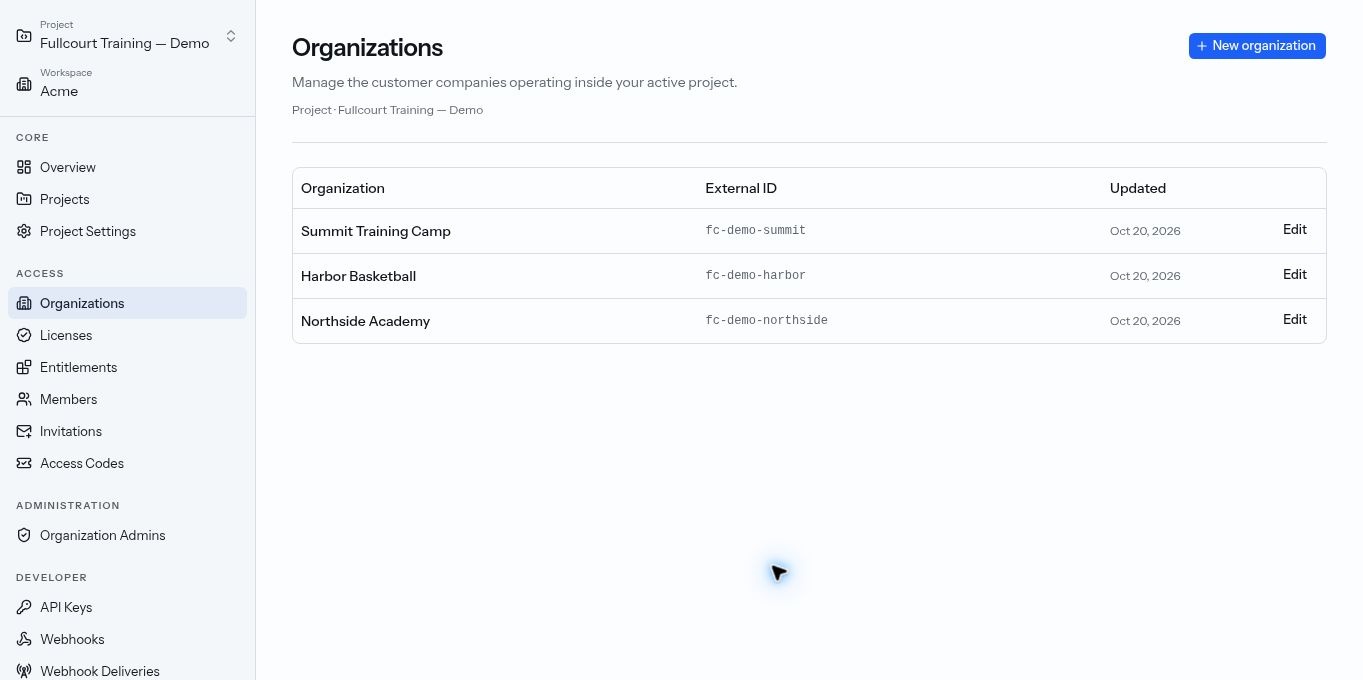
Set each company’s features, seats and access dates.
Explore licensingPackage features freely. Keep plan names out of your code.
Explore feature accessConnect company licenses and seats to your existing users.
Explore teams and seatsLet admins invite people and release seats within the agreement.
Explore customer administrationConnect your backend. Follow access changes and who made them.
Explore the developer platformStart with a known roster, send invitations or distribute access codes. Invitations and codes return to your app for sign-in and redemption.
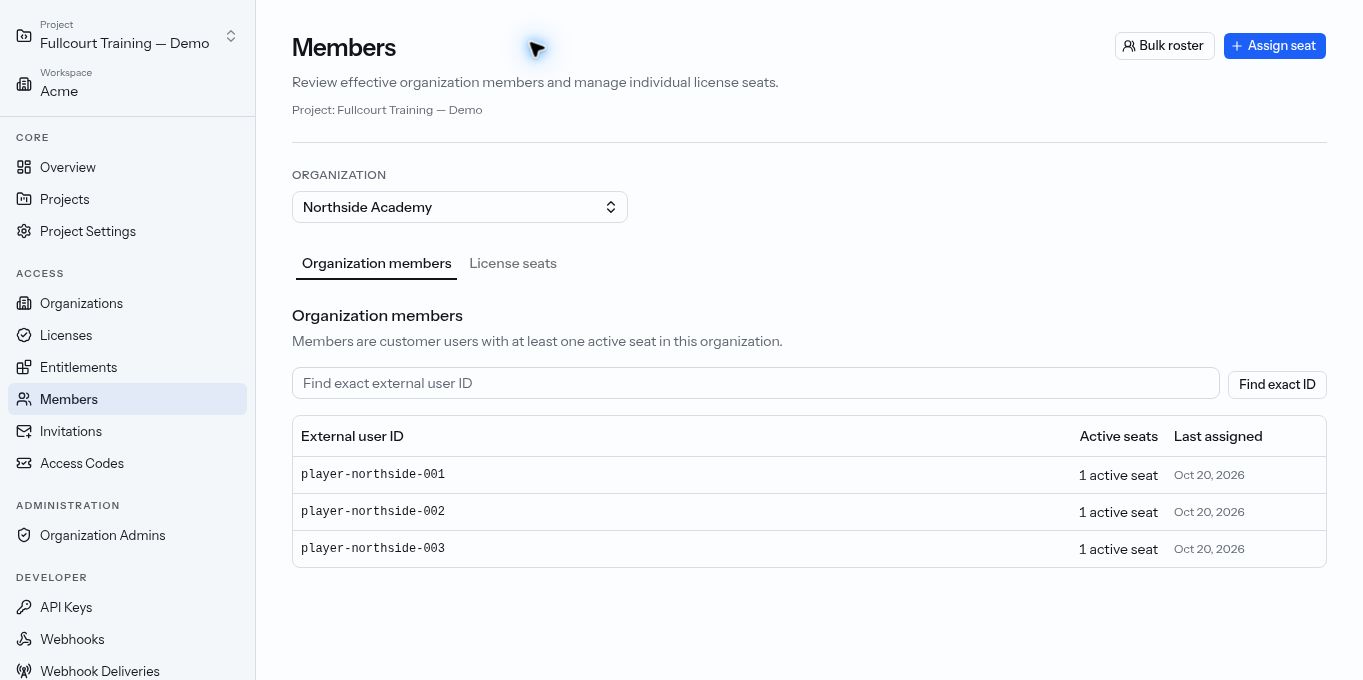
Assign existing user IDs from your backend, or preview a CSV roster and submit bulk assignments or releases in the control plane.
Your team or customer admins invite people by email. Redemption allocates a seat if capacity is available.
Set redemption limits and optional expiry. Your backend connects each claimant to the company’s license.
Your backend checks company access alongside individual-subscription rules. Users keep their accounts and sign-in. Optional Stripe Checkout can help renew existing licenses while preserving allocated access.